Stop losing images
Keep capillaroscopy images attached to structured cases, visits, fingers, folders, and projects instead of scattered local paths.
Professional capillaroscopy software
Capture nailfold capillaroscopy and nailfold videocapillaroscopy (NVC) images, keep using your current capillaroscope, review AI-assisted findings, and export structured reports. Capillary.io helps standardize follow-up: the software follows standardized EULAR/ACR criteria for nailfold capillaroscopy and is backed by published scientific validation.
Start free with 10 images/month. No credit card required.
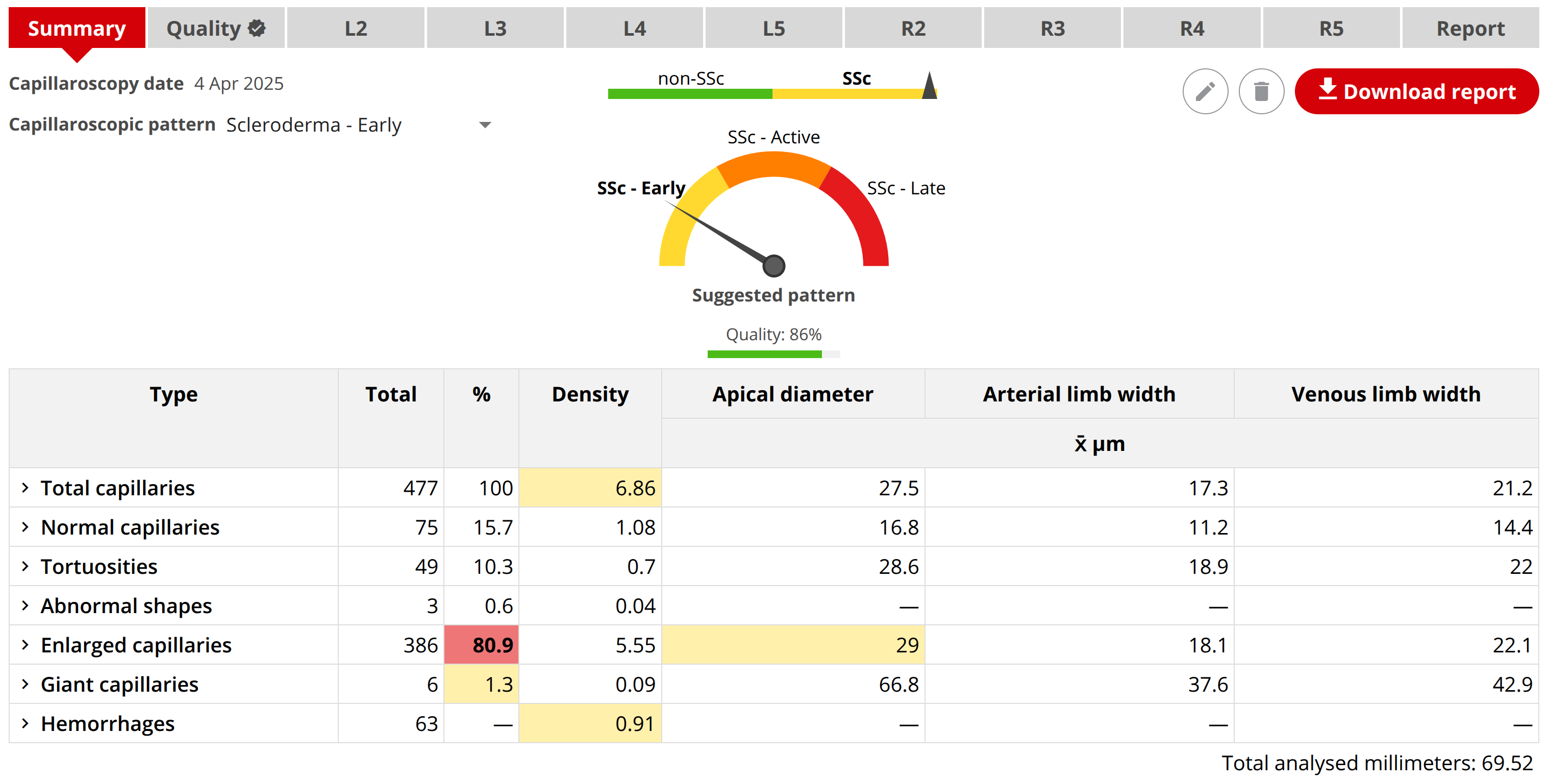
Keep capillaroscopy images attached to structured cases, visits, fingers, folders, and projects instead of scattered local paths.
Bring measurements, selected images and findings into a consistent report, with editable templates and ready-to-share exports.
Keep Raynaud and systemic sclerosis follow-up organized: compare images and measurements across visits without searching through folders.
Use quality assessment and image filters to catch common acquisition problems before the report depends on a weak image.
Let Capillary.io detect and measure capillaries and hemorrhages, then inspect and edit annotations directly on the image. Clear controls keep you in charge of the review.
Preserve structure for research, audit, collaboration, offline archives, and interoperable DICOM ZIP exports.
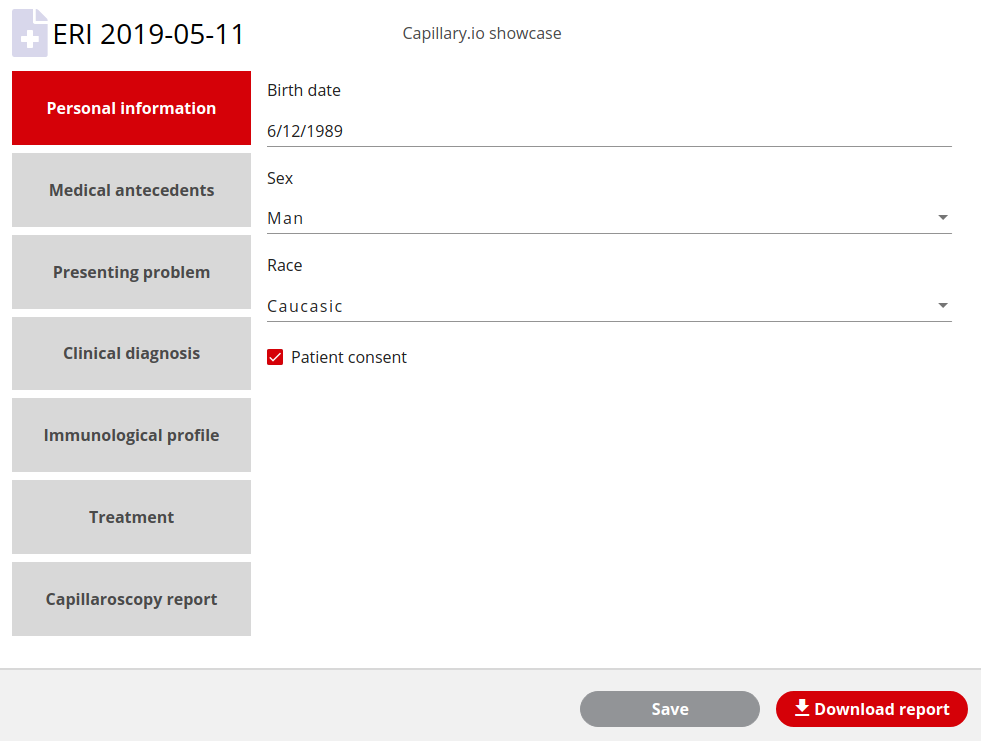
Product view
Use Capillary.io CapillaryScope to capture images directly from known USB capillaroscopes such as Dino-Lite, Inspectis, Smart G-Scope, and Optilia. You can also import images from other capillaroscopy devices when the image quality is adequate, then upload the NVC study to Capillary.io for comparable automated measurements and unified reports.
Take pictures with Capillary.io CapillaryScope or import existing image files.
Inspect image quality, AI-assisted findings, and measurements.
Create a structured report for study documentation.
Compare visits and export structured data when needed.
Create a free account, capture or upload a first image, and generate a structured report before changing how you currently work.
Create free account