
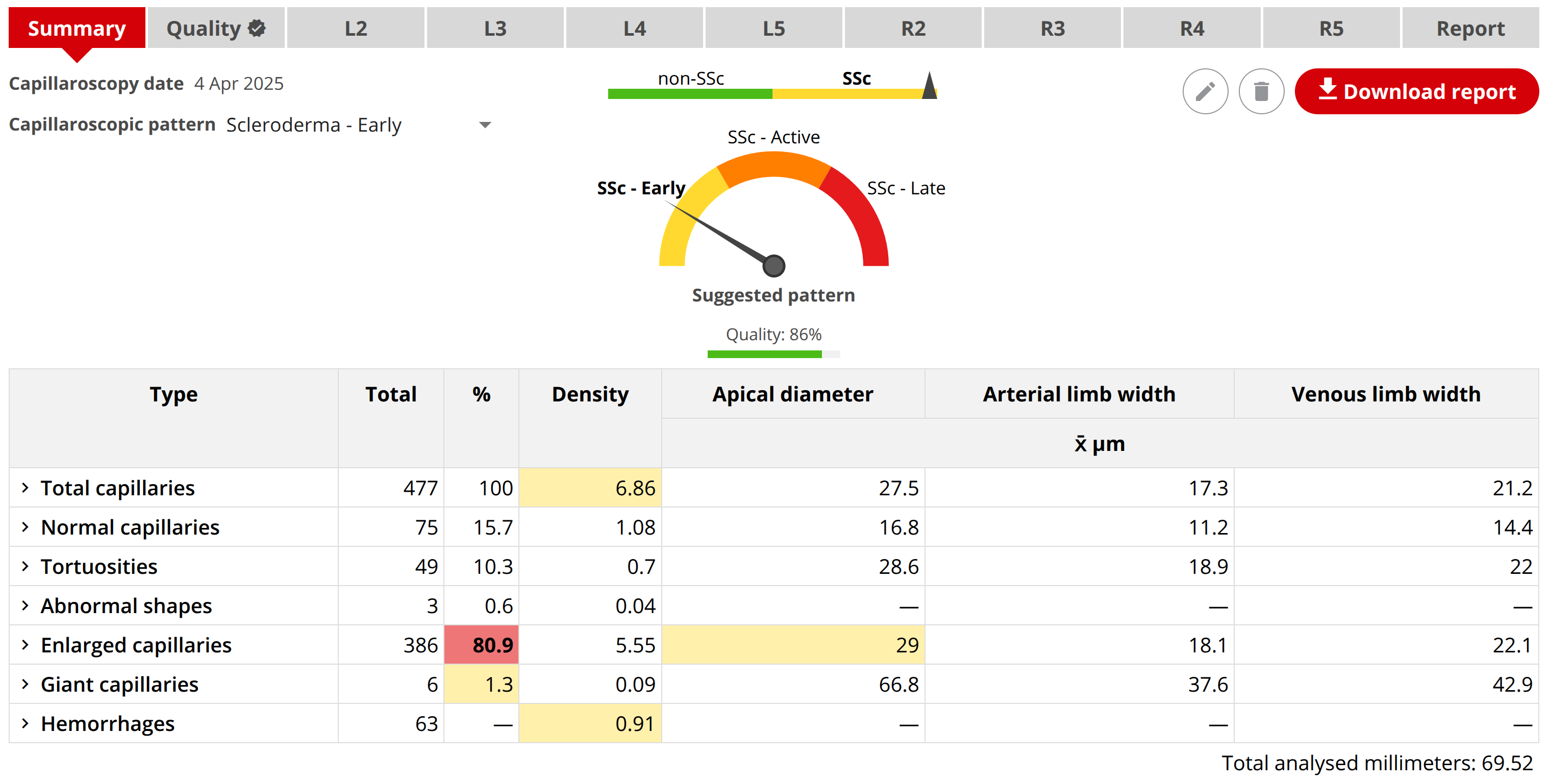
WHAT YOU ARE BUYING
A complete professional capillaroscopy system
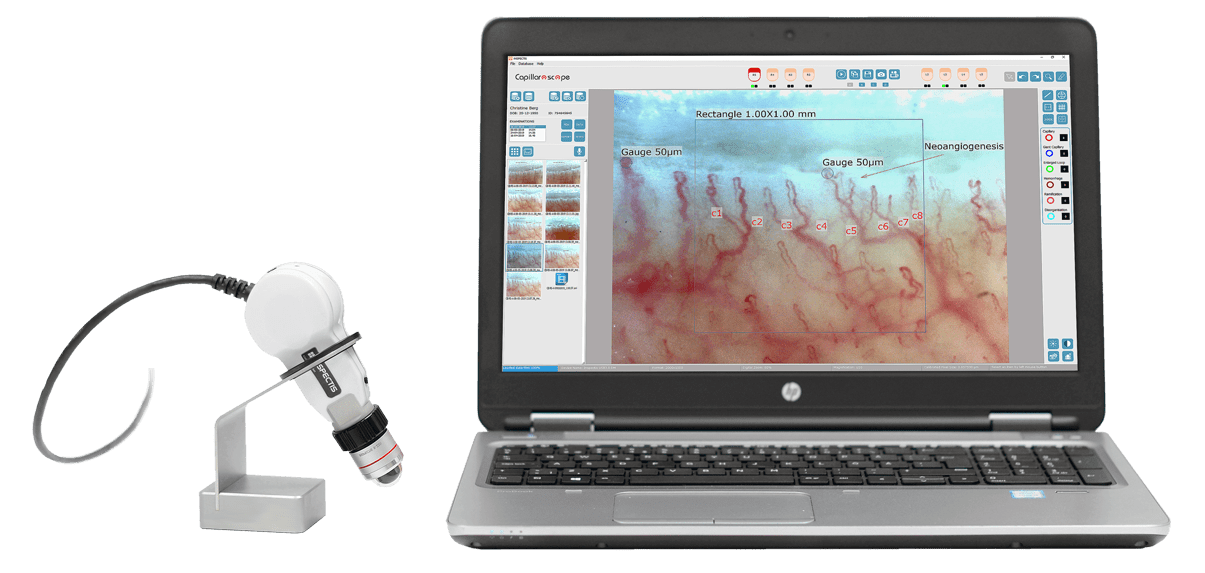
Inspectis combines dedicated nailfold optics, controlled illumination, high-resolution image capture, and capillaroscopy software in a system designed for repeatable examinations and documented follow-up. Our Capillary.io Research System adds Desktop Research for unlimited local AI analysis, study organization, reporting and export, without requiring Cloud.
Clear live images
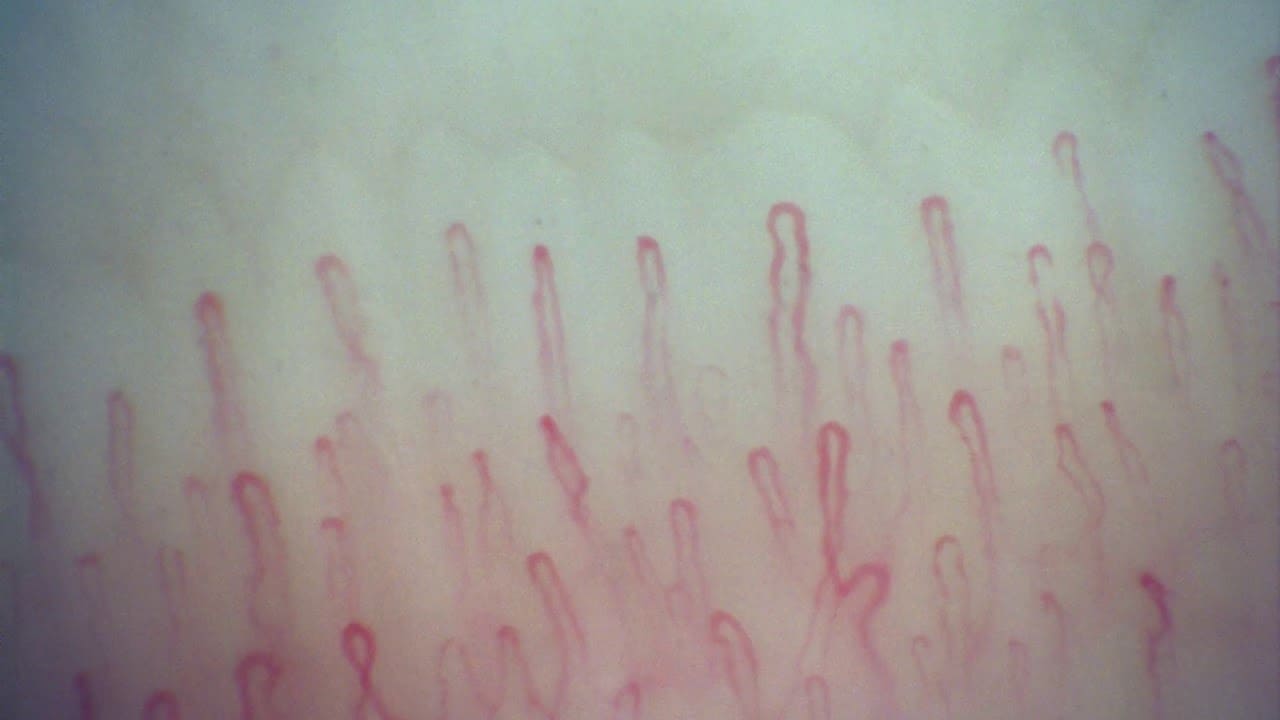
The 3.0 MP camera, USB 3.0 connection, integrated LED illumination, and 200x high-resolution lens are specified for detailed nailfold imaging.
Organised examinations
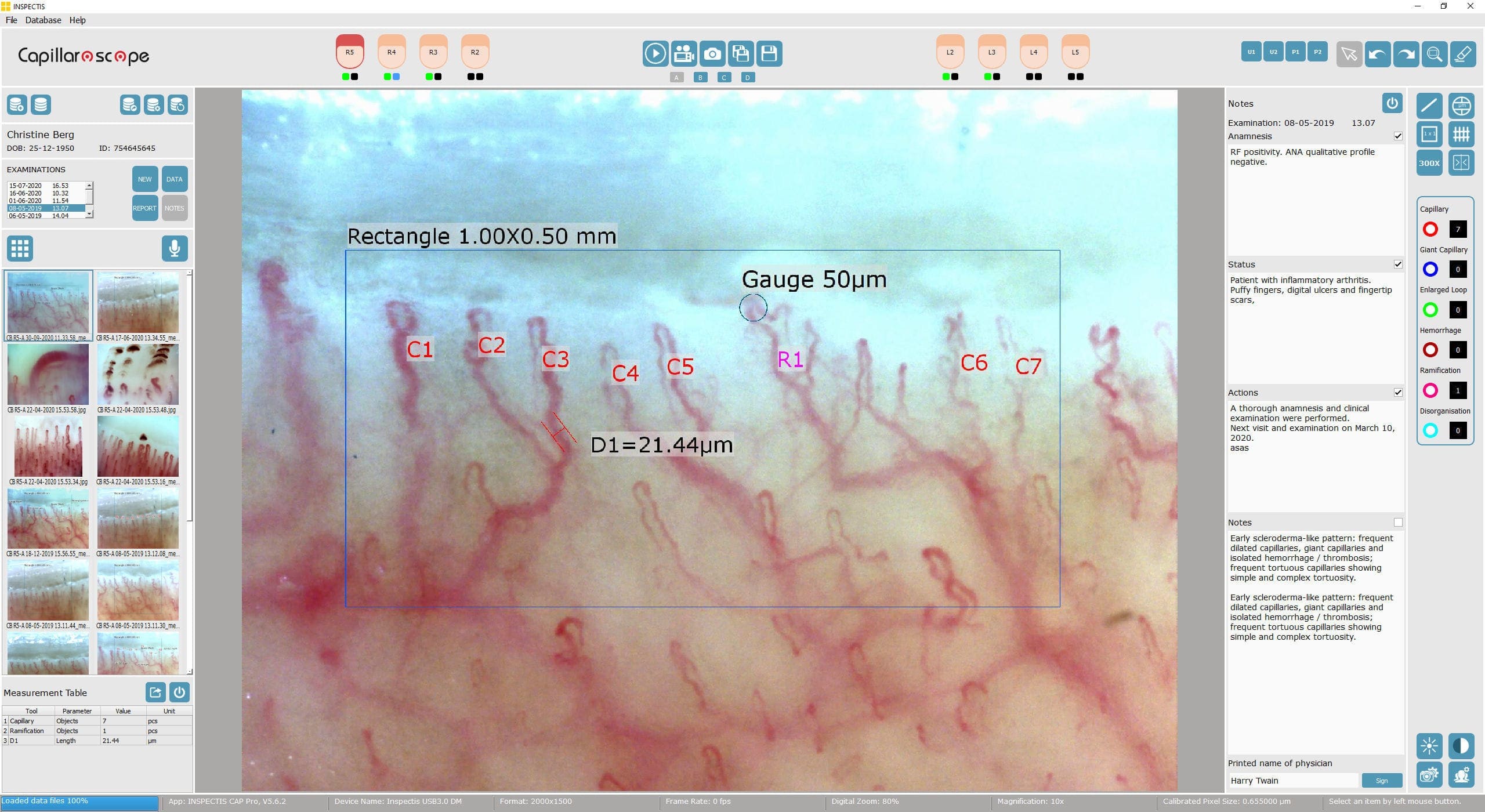
Patient records, hand mapping, linked images, examination history, and searchable data keep repeated studies easier to review.
Reports and export
Capture measurements and comments in the Inspectis application, generate reports, and export data for clinical records or research.
These configurations combine Inspectis hardware with the manufacturer’s software. For our complete hardware and local AI-analysis package, choose the Capillary.io Research System: Inspectis Digital Capillaroscope, Capillary.io Desktop Research and compatible accessories, with an optional pre-installed laptop. Capillary.io software is currently for Research Use Only.
CONFIGURATIONS
Choose the way your clinic will work
Each configuration builds on the previous one: start with the capillaroscope itself, add a laptop for a turn-key system, and finish with a complete workstation on a medical cart. We confirm the exact bundle and contents for your country before you buy.
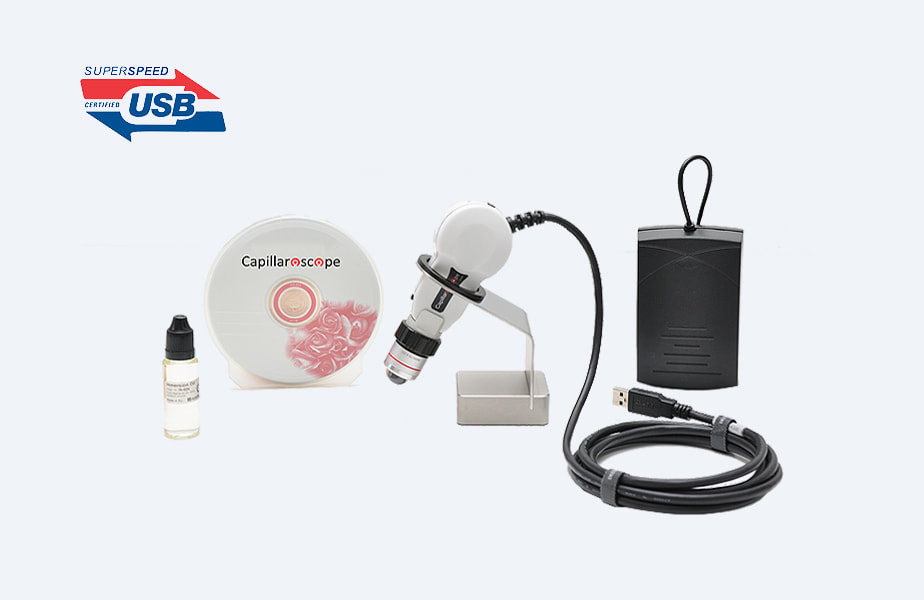
Self-install system
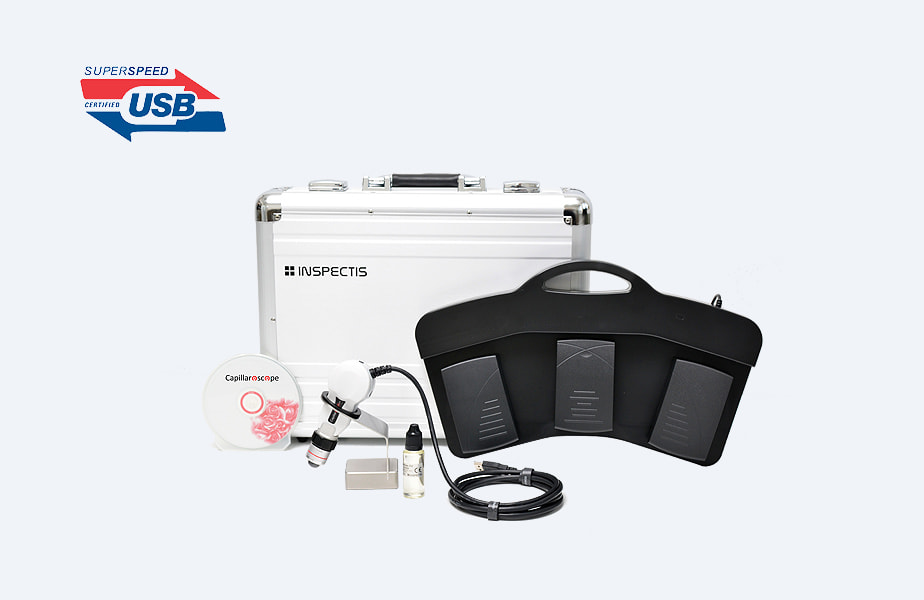
The capillaroscope itself: digital camera, 200x lens, bench-top holder, and capture accessories. You install the software on the Windows computer you already have.
- Digital capillaroscope and 200x lens
- Bench-top holder and capture accessories
- Software installation on your own PC
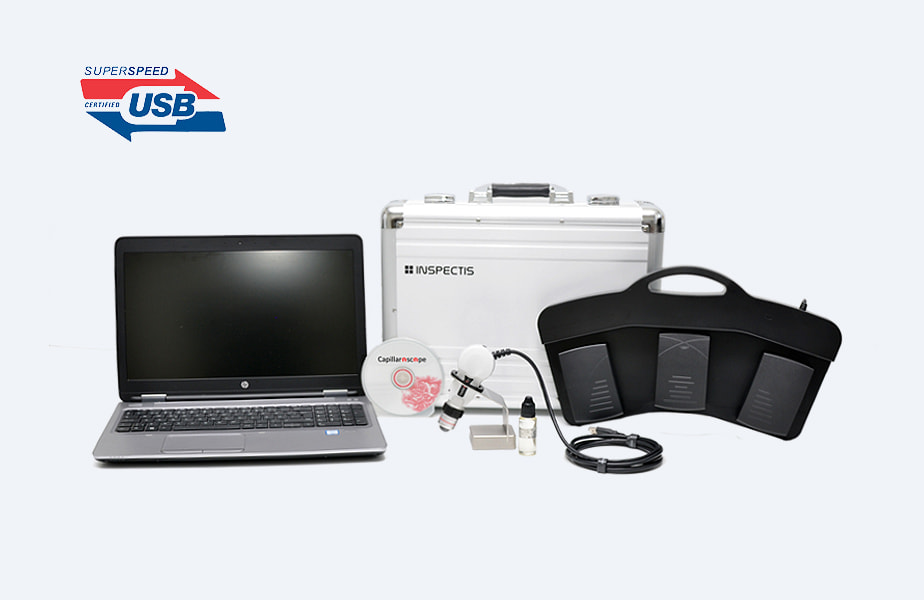
Turn-key laptop system
Everything from the self-install system, plus a laptop with the software already installed and configured, so you can start working right out of the box.
- 3.0 MP USB 3.0 capillaroscope
- Pre-installed software and laptop
- Carrying case, holder, oil, and foot switch
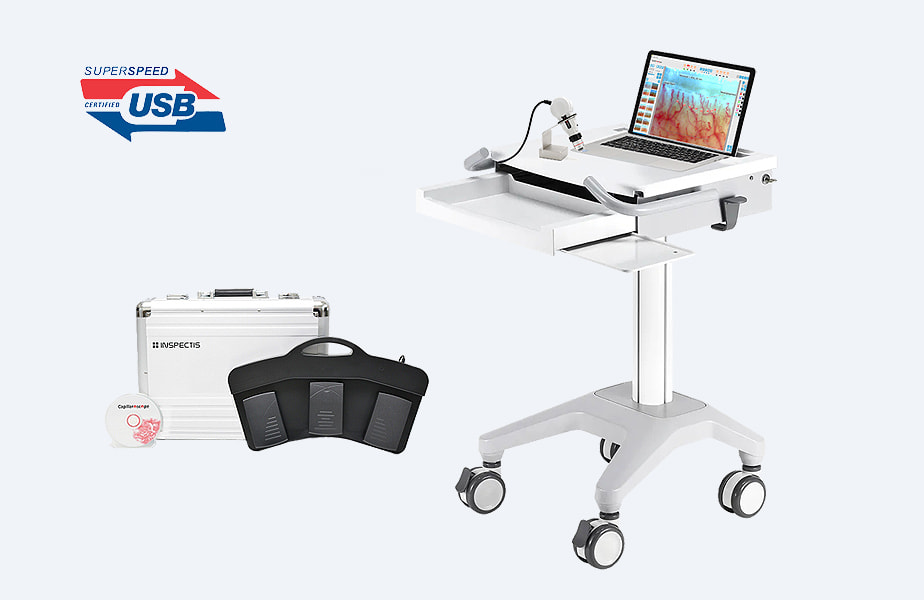
Extensive clinical station
Everything from the turn-key system, plus a medical cart and clinical accessories, so the capillaroscopy station is ready in its own room.
- Turn-key computer and software
- Medical cart and clinical accessories
- Configuration advice for your room
FROM IMAGE TO FOLLOW-UP
Make the acquisition useful after the examination
Inspectis software keeps the patient, finger location, image, measurements, notes, and report connected. If you want a second analysis and reporting workflow, Capillary.io CapillaryScope for Inspectis can capture or import studies, preserve calibration support, and upload them to Capillary.io.
See the Capillary.io Inspectis workflowKEY SPECIFICATIONS
What to compare before requesting a quote
Specifications and included accessories vary by configuration. These are the core points we use when matching an Inspectis system to a clinic.
SEE THE SYSTEM
Hardware, software, and example images
Open any image to inspect the equipment and application at a larger size.
BEFORE YOU BUY
Common questions
Can I use my own computer?
Yes, the self-install configuration is intended for a suitable Windows PC. We confirm requirements before quoting.
Which lens should I choose?
The 200x lens is the standard starting point. We can discuss 100x, 300x, or other optics based on your examination and teaching needs.
Can you help with Capillary.io?
Yes. We can explain the optional CapillaryScope capture and upload workflow alongside the Inspectis software that comes with the device.