Raynaud follow-up

Capillaroscopy software for Raynaud follow-up

Use Capillary.io to organize nailfold videocapillaroscopy (NVC) studies for Raynaud patients, review quantitative findings, compare visits, and export structured reports.

  • Organize Raynaud studies by patient, visit, finger, and image sector.
  • Review automated measurements for capillary density, giant capillaries, hemorrhages, tortuosities, morphology, and avascular areas.
  • Compare normal, nonspecific, and systemic-sclerosis-pattern findings over time.
  • Export structured reports that follow standardized EULAR/ACR criteria for nailfold capillaroscopy.

For clinicians who need comparable NVC studies without adding work to the visit.

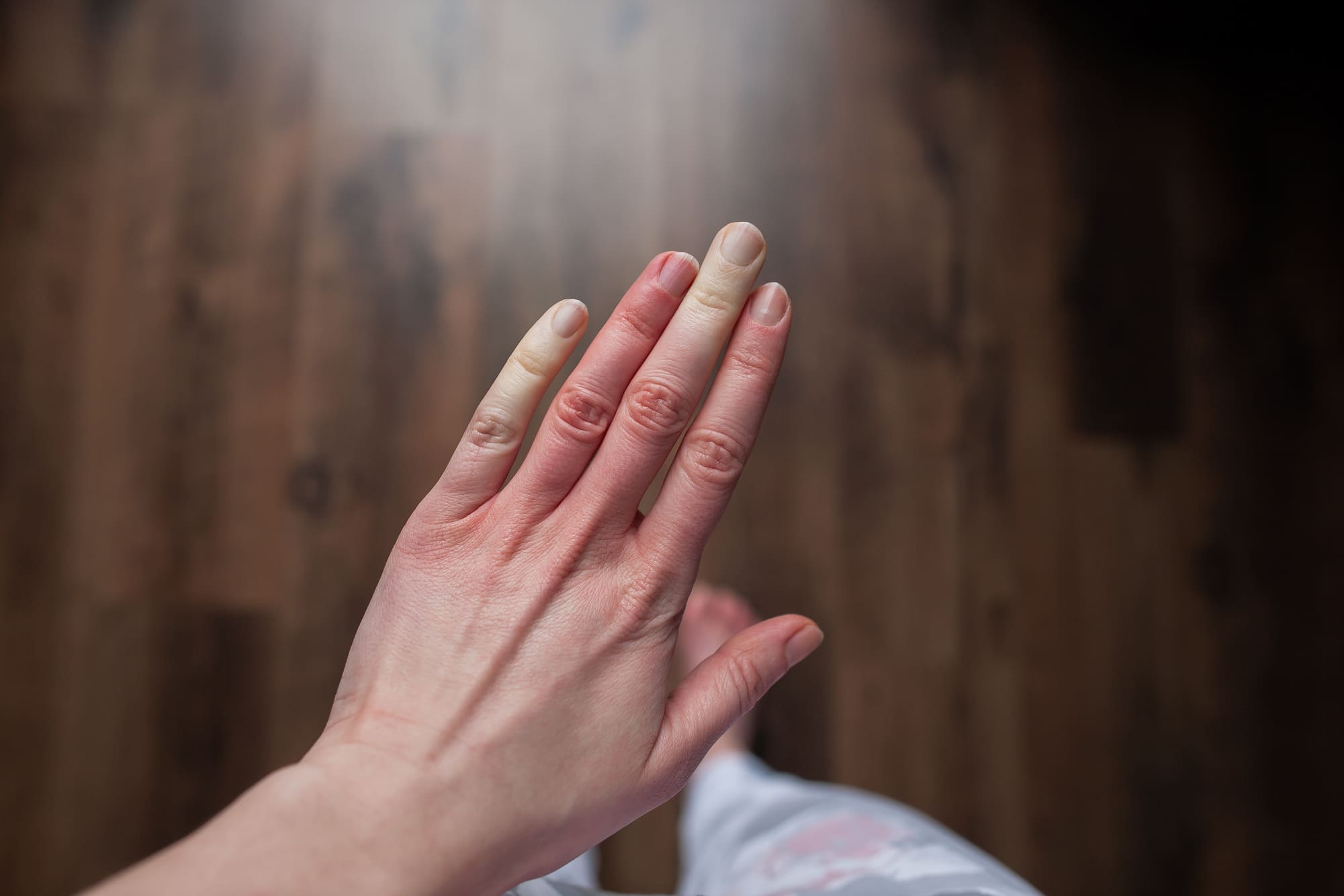
Raynaud patient hand prepared for nailfold capillaroscopy follow-up
NVC-ready Any capillaroscope Quantitative findings AI-assisted review Structured reports Published validation

Make Raynaud capillaroscopy easier to compare

The value is not only the image. It is keeping findings, measurements, and reports organized from one visit to the next.

Primary vs secondary Raynaud

Keep the clinical question clear by storing images, quantitative findings, and pattern context in one study.

Quantitative review

Review capillary density, giant capillaries, hemorrhages, tortuosities, morphology, and avascular areas before signing the report.

Longitudinal comparison

Open previous studies when the patient returns and compare changes without searching through folders.

AI with clinical control

Use automated capillary and hemorrhage detection as a review layer, while the clinician keeps control of the final interpretation.

Works with your device

Use images from any capillaroscope when image quality is adequate, or capture directly with CapillaryScope when using known devices such as Dino-Lite, Inspectis, Smart G-Scope, and Optilia.

Reports for the record

Export a structured report for clinical documentation, follow-up, audit, or discussion with the team.
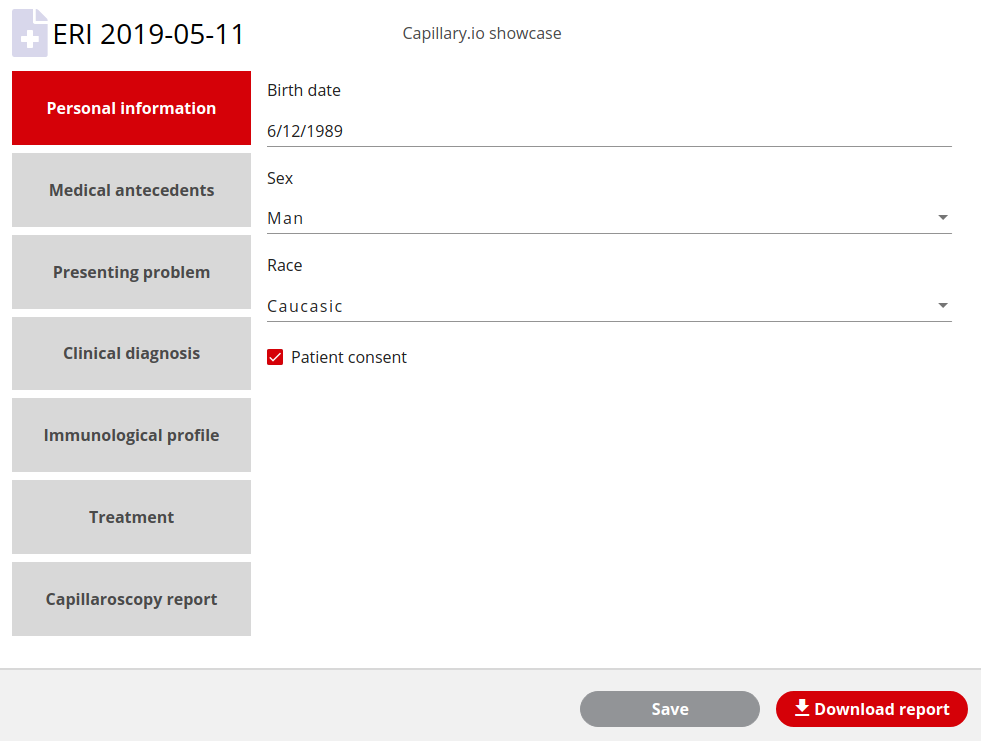
Capillary.io Raynaud follow-up report with capillary density, hemorrhages, tortuosities, and avascular area findings

Quantitative NVC

Turn Raynaud images into comparable findings

Capillary.io keeps Raynaud nailfold videocapillaroscopy images connected to measurements, quality review, pattern support, and reports, so follow-up is easier to understand at a glance.

  • Capillary density and morphology review
  • Giant capillaries, hemorrhages, and tortuosities
  • Avascular area documentation
  • Normal, nonspecific, and scleroderma-pattern support
  • Report export for patient follow-up

Example studies

Compare normal and systemic-sclerosis-pattern studies

Use the embedded viewer to see how complete image sets, quantitative findings, image quality, and pattern context stay together before the report.

  • Inspect complete studies rather than isolated images.
  • Review density, hemorrhages, morphology, and image quality.
  • Use comparable studies for follow-up and documentation.
Normal reference study

From Raynaud visit to report

Use your current capillaroscope and keep the study structured.

1

Capture

Acquire images with your current capillaroscope or CapillaryScope.

2

Review

Check image quality, automated findings, and quantitative measurements.

3

Report

Generate a structured capillaroscopy report.

4

Compare

Use previous studies when the patient returns.

Try Capillary.io with your next Raynaud study

Create a free account, upload or capture images, and generate a structured capillaroscopy report.

Create free account