Use one capture app
Use Smart G-Scope for capillaroscopy capture in CapillaryScope instead of relying on generic microscopy files without study structure.
Device setup
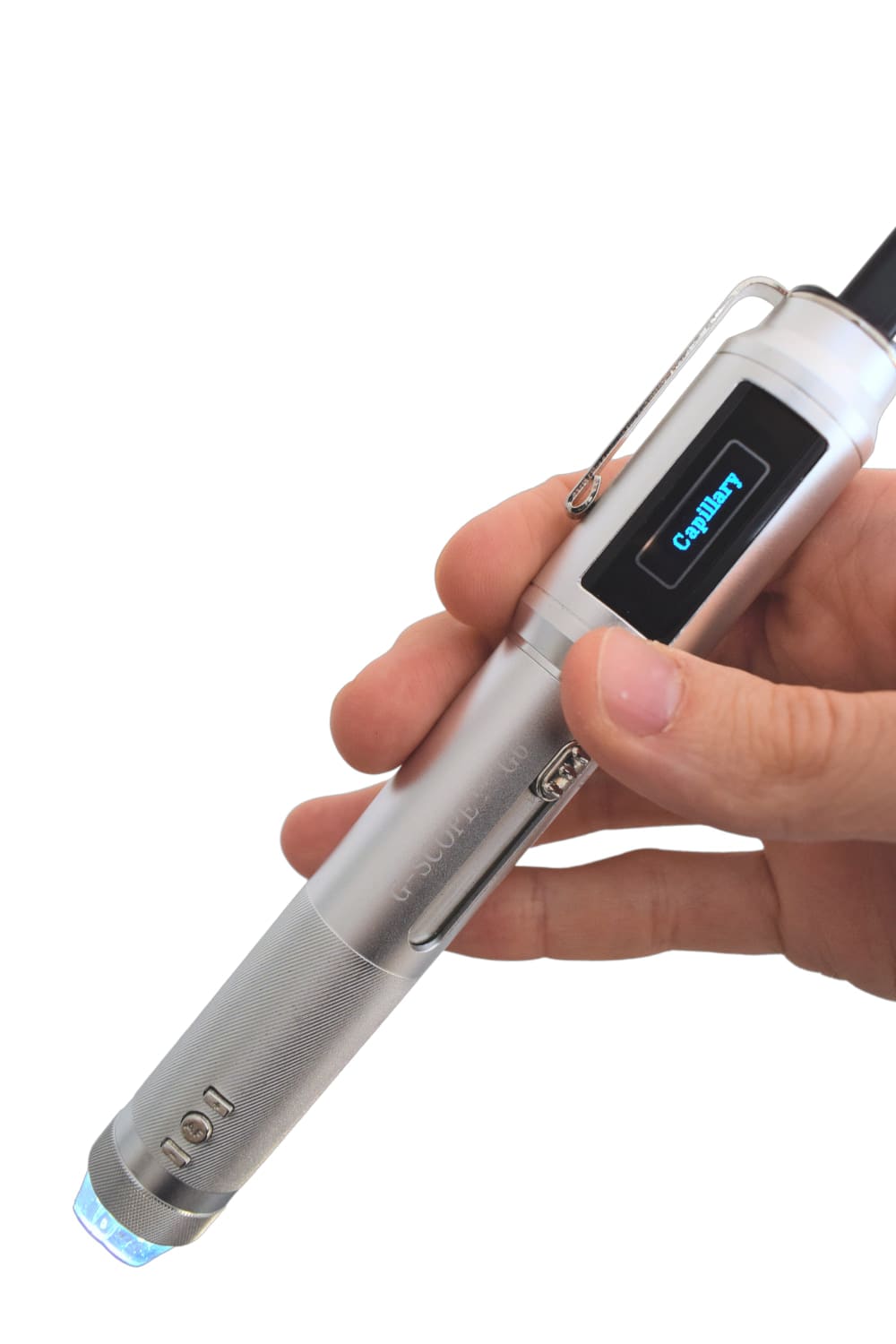
Use Smart G-Scope with Capillary.io CapillaryScope for direct calibrated capture, one-click upload, AI-assisted findings, structured reports, and follow-up.
A portable capillaroscope becomes more useful when capture, calibration, upload, analysis, and reporting stay connected in Capillary.io.
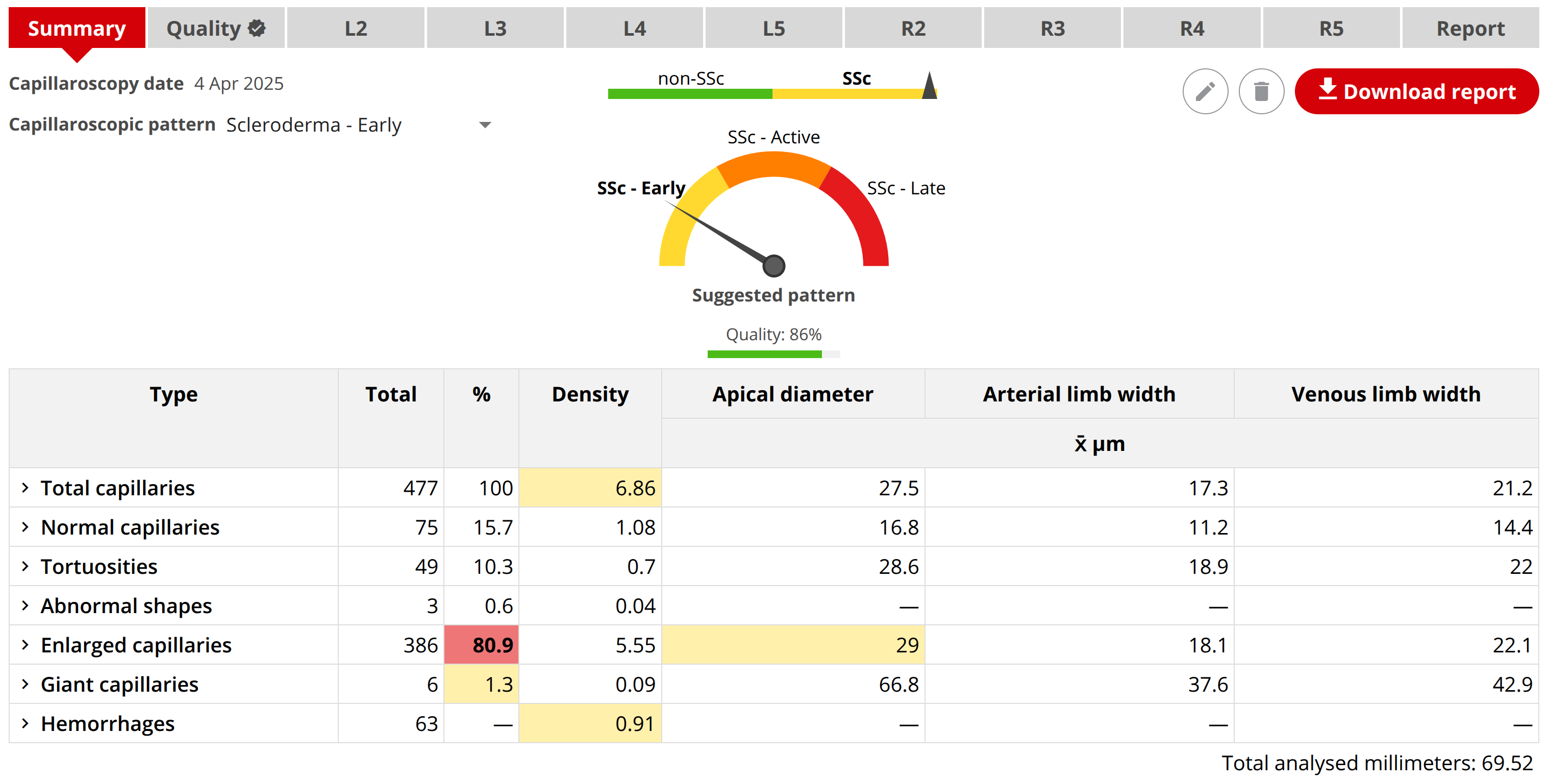
Complete software for your capillaroscope
Bring capture, AI analysis, study review and reporting together on your own computer with Capillary.io Desktop Research.
Use the supplied local version as much as you need, with no Cloud subscription or monthly image quota. Add Cloud Research if you want online access and collaboration.
Available as software only for compatible capillaroscopes. We confirm capture and calibration compatibility before purchase.
For Research Use Only
Use Smart G-Scope for capillaroscopy capture in CapillaryScope instead of relying on generic microscopy files without study structure.
Preserve magnification, physical scale, finger, and sector context so measurements, follow-up, and reports remain comparable.
Send captured images straight to Capillary.io for AI-assisted review, structured reports, exports, and longitudinal follow-up.
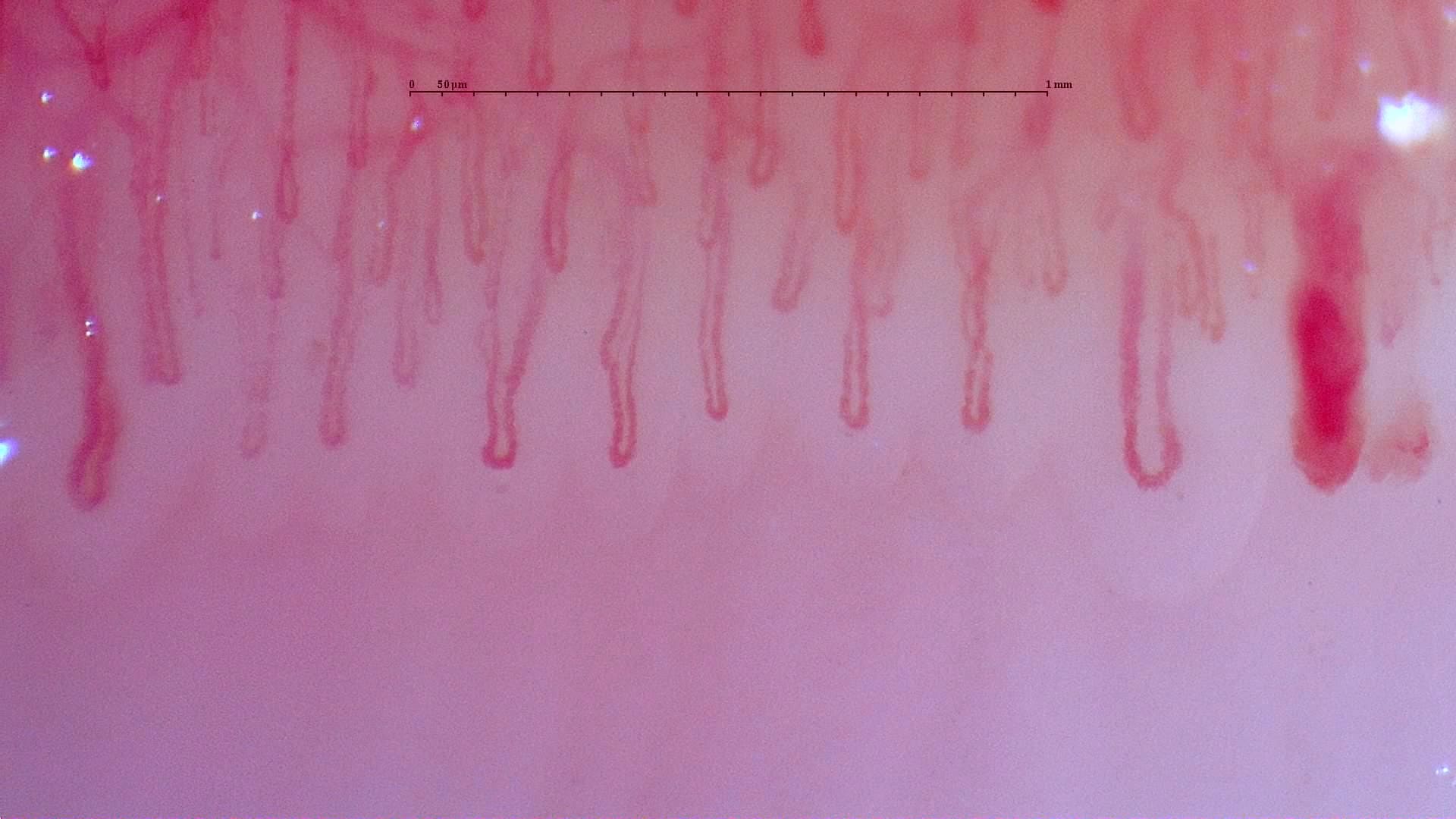
CapillaryScope
Capillary.io CapillaryScope gives Smart G-Scope a dedicated capture, calibration, and upload workflow. Capillary.io can also import images from other capillaroscopy devices when the image quality is adequate, so the analysis and report can follow the same standardized process.
Take images with Smart G-Scope in Capillary.io CapillaryScope.
Use automatic calibration support to preserve physical scale.
Upload the study directly to Capillary.io.
Generate a structured report or export organized data.
Create a free account and test direct capture and upload with your next Smart G-Scope image set.
Create free account