Capillary.io features
Learn more about what features Capillary.io offers you to improve your capillaroscopies.
An app for easy and effective capillaroscopy photo capture
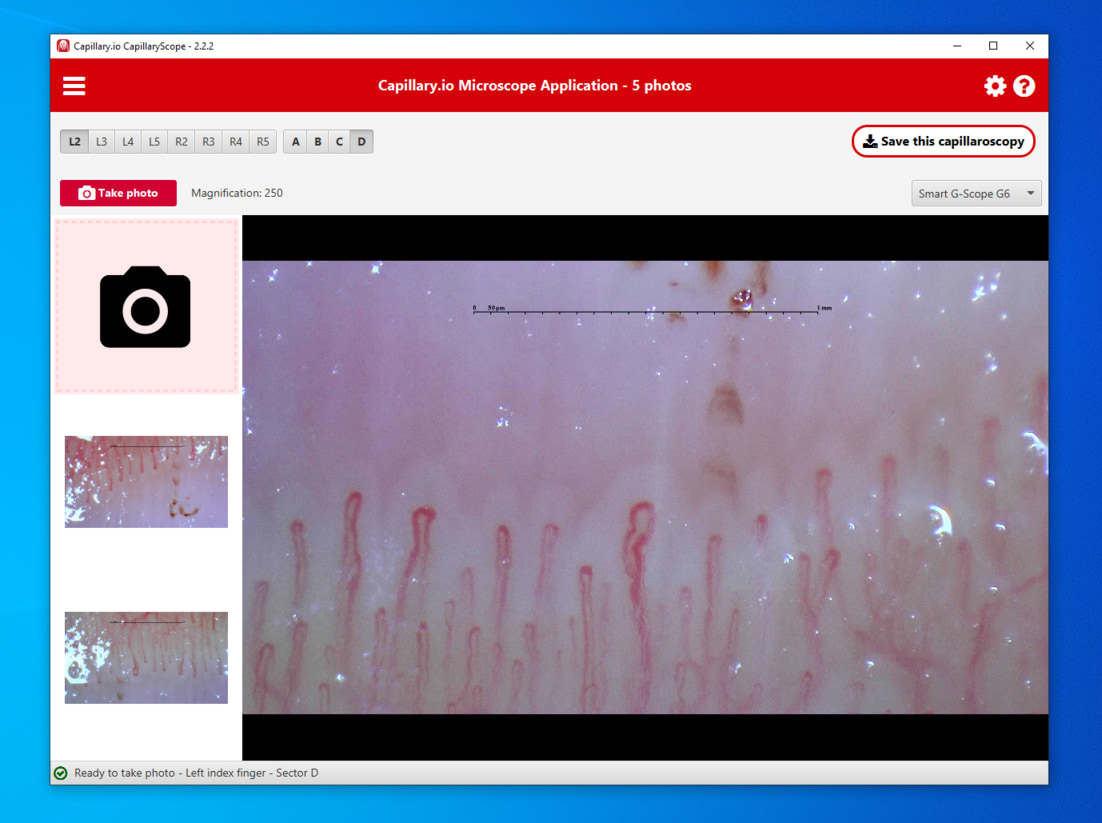
Capillary.io CapillaryScope is a user-friendly desktop app for nailfold capillaroscopy using USB capillaroscopes such as Dino-Lite, Inspectis, Smart G-Scope, and Optilia. It gives your team one coherent capture app with device-specific calibration support, finger/sector metadata, local saving, and direct upload to Capillary.io.
Organize your images in capillaroscopies
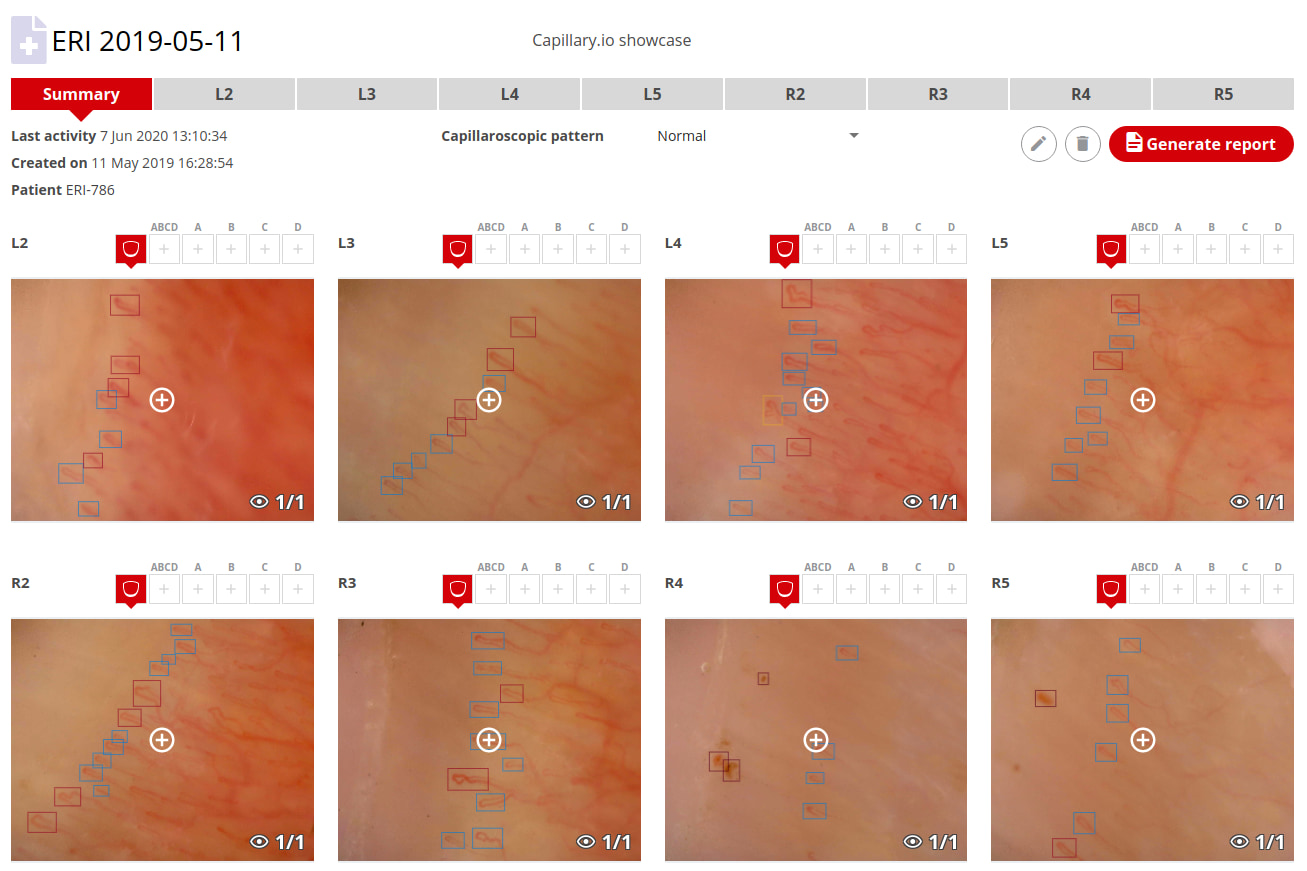
When you upload images, you will create a capillaroscopy, which can contain many images per finger, or as many images as you want.
Get a capillaroscopy summary and an automatic capillaroscopic pattern suggestion
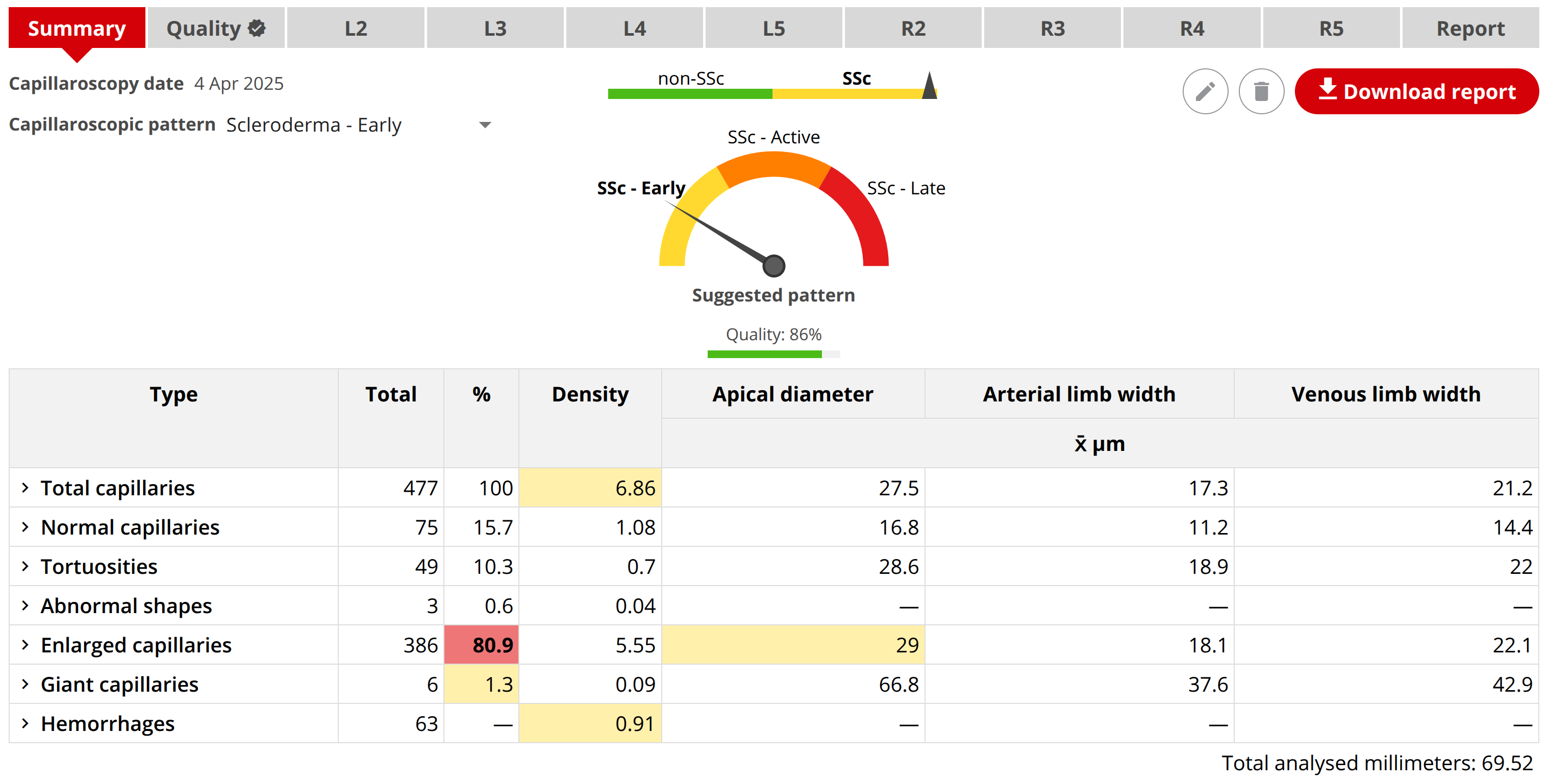
Capillary.io produces an immediate quantitative report based on the analysis of the images that make up a capillaroscopy, allowing you to quickly and efficiently access the most important findings. It also provides a suggested capillaroscopy pattern based on the quantitative findings, using our CAPI-Detect algorithm.
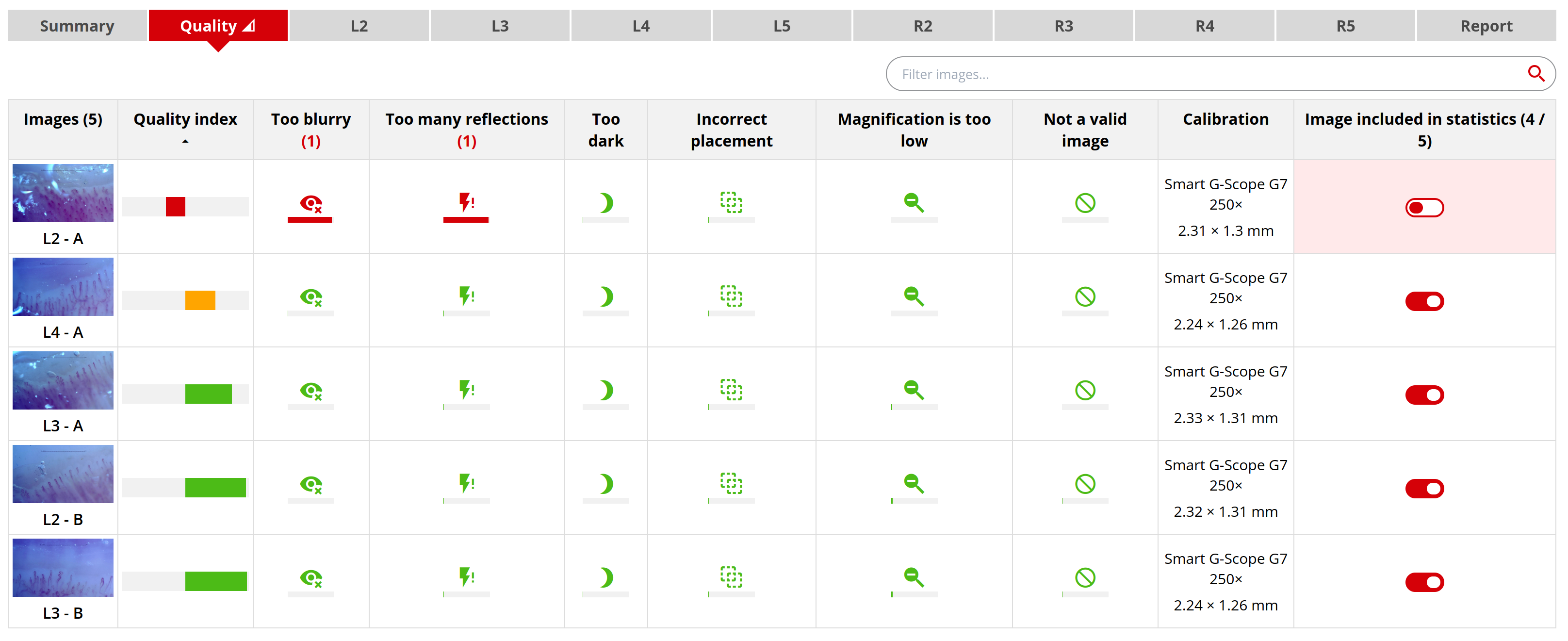
Get a quality assessment of your images
Capillary.io automatically analyzes the quality of your images and points out the most common issues found in capillaroscopy images.
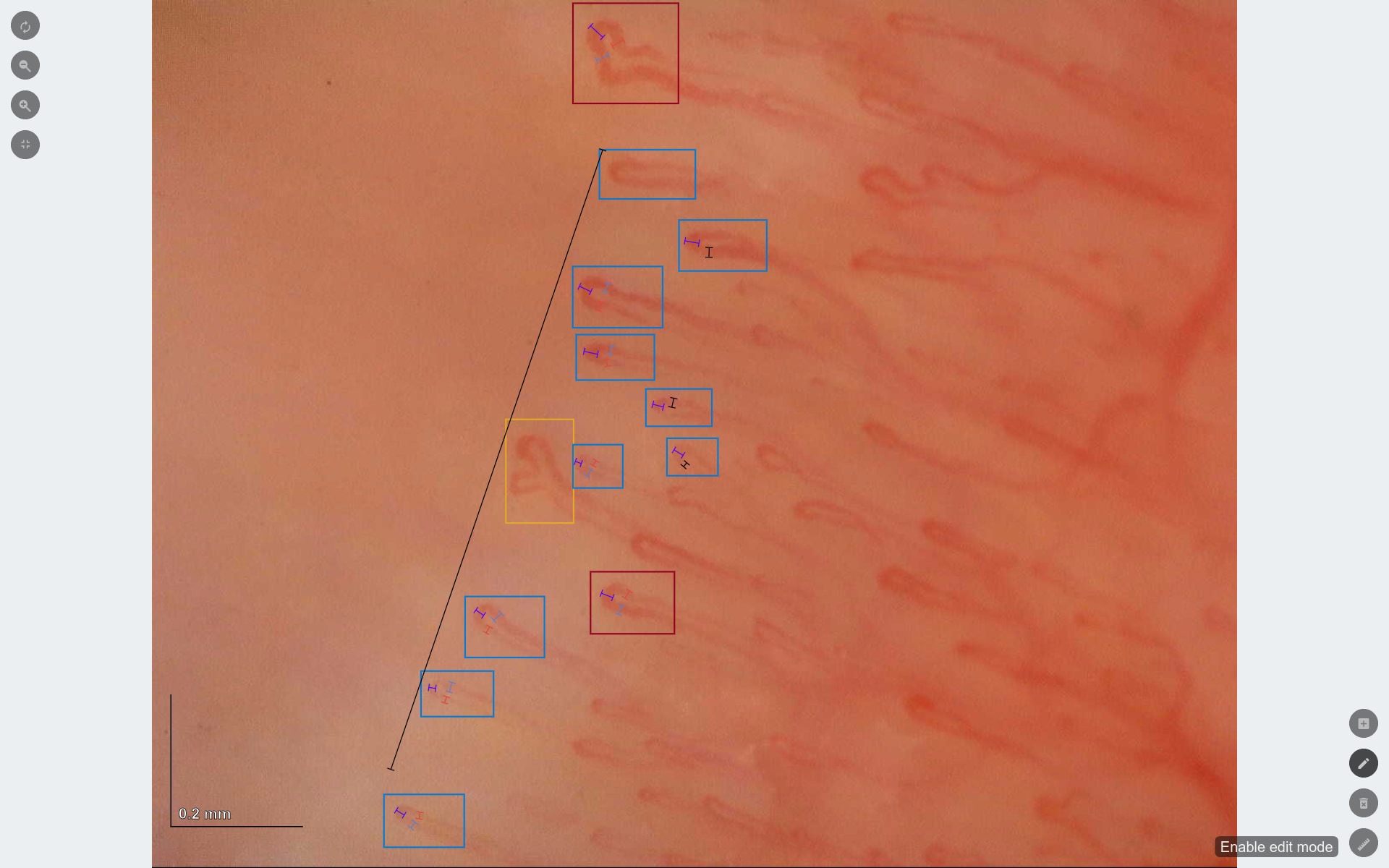
View and edit image capillaries
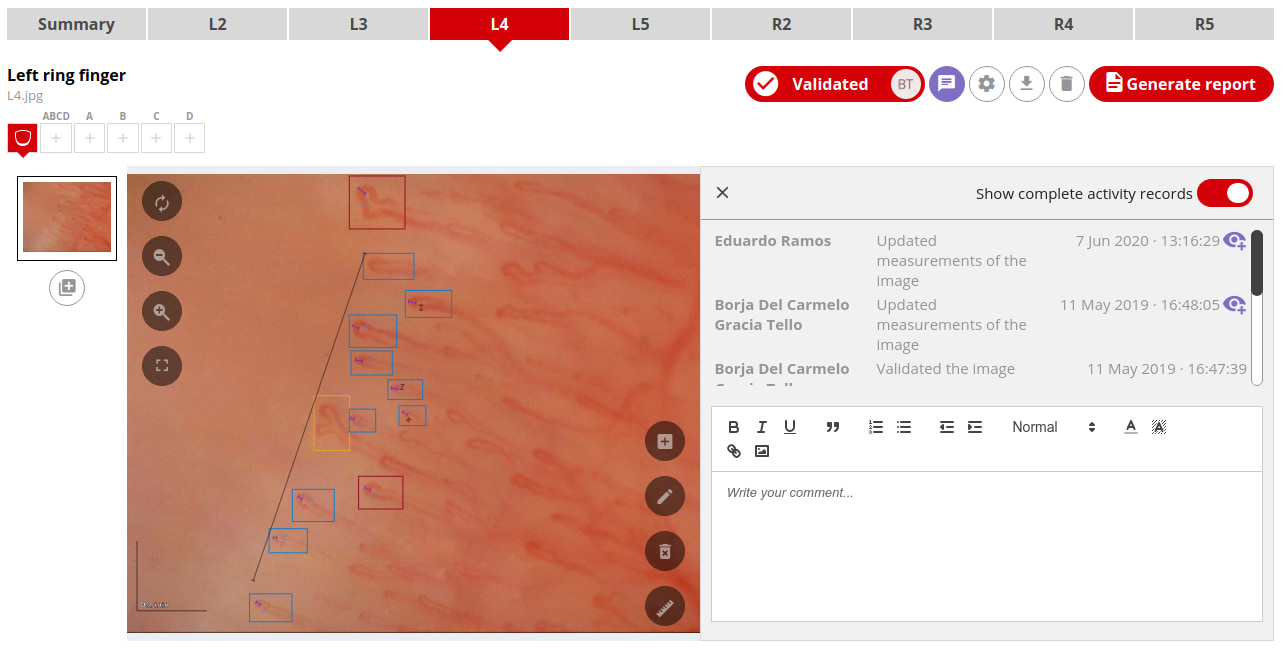
Capillary.io automates capillary detection, measurement and classification in all of your images, but you can easily view and edit the capillaries that it detected for you.
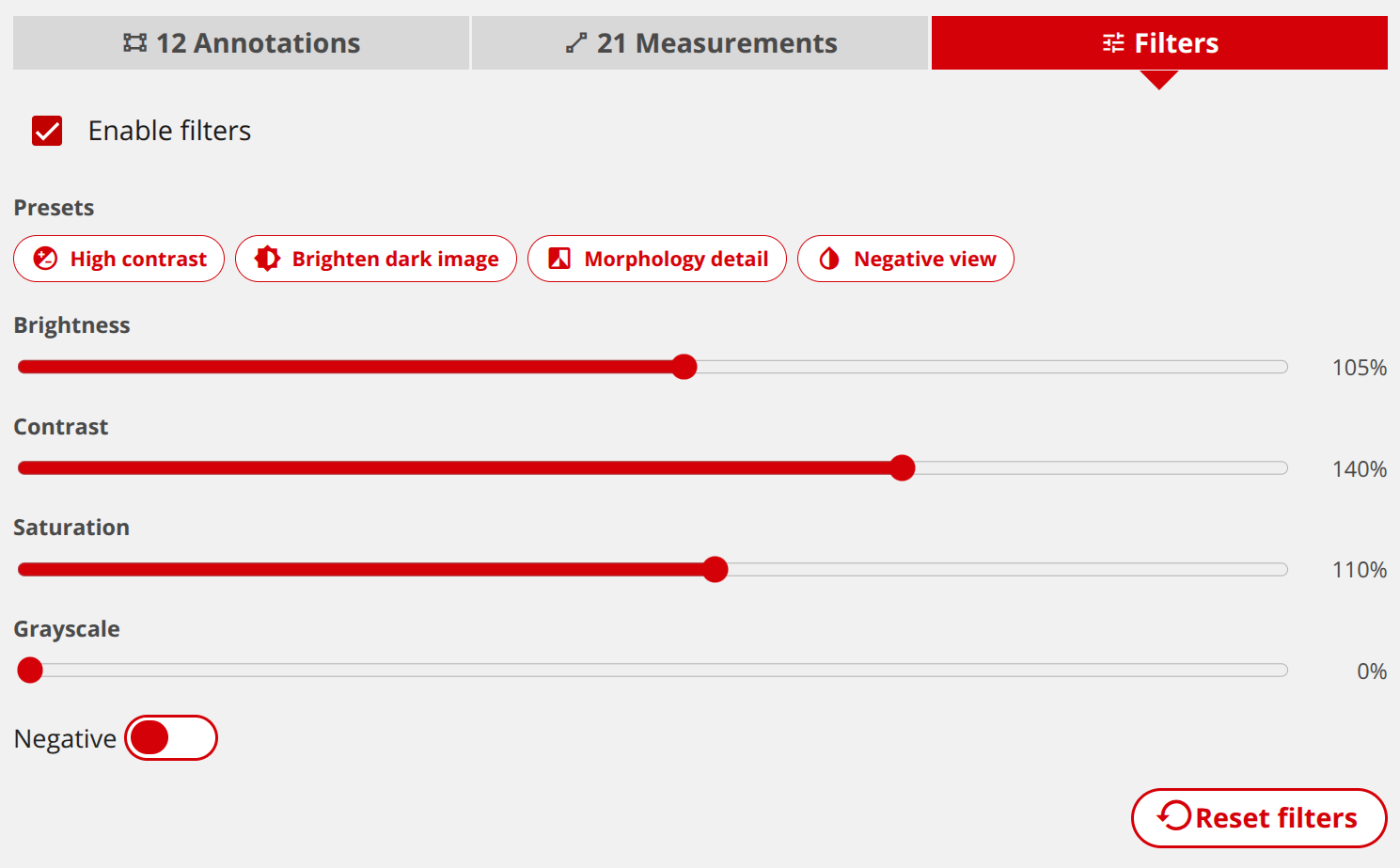
Review images with adjustable filters
Use image filters in the viewer to adjust brightness, contrast, saturation, grayscale and negative view. Presets help you quickly inspect high-contrast details, dark images and morphology.
Generate automatic reports
Capillary.io includes a default, standardized report for capillaroscopies, but this report can be customized for your needs.
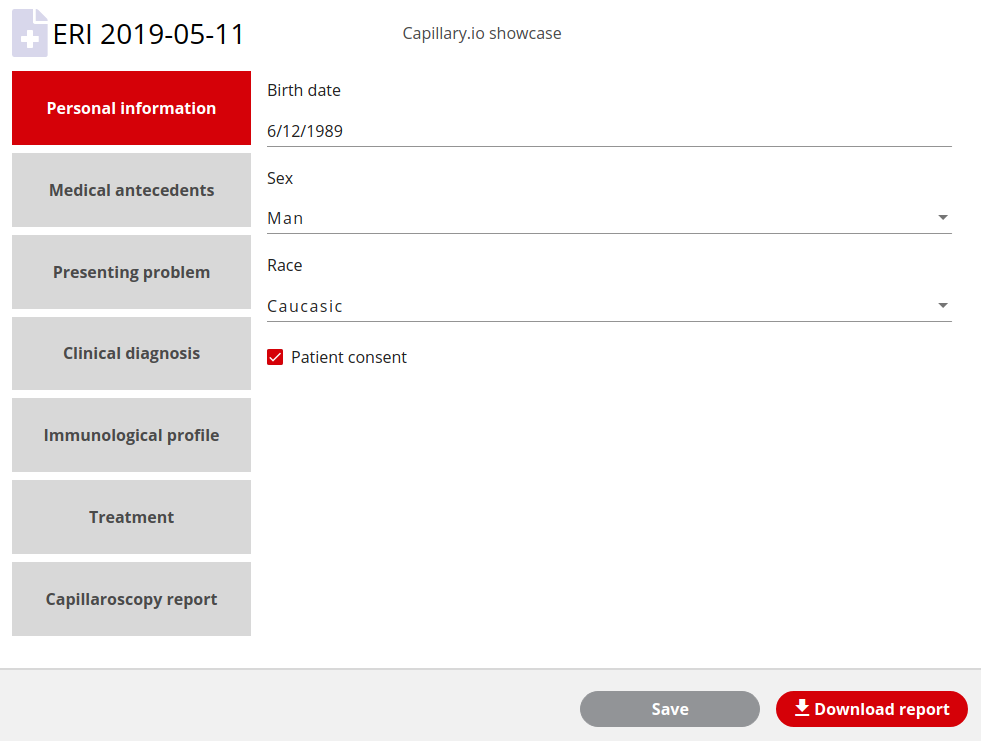
Print the reports to Word/PDF documents
Capillary.io includes a default template for printing your reports as word documents, but you can customize the template.
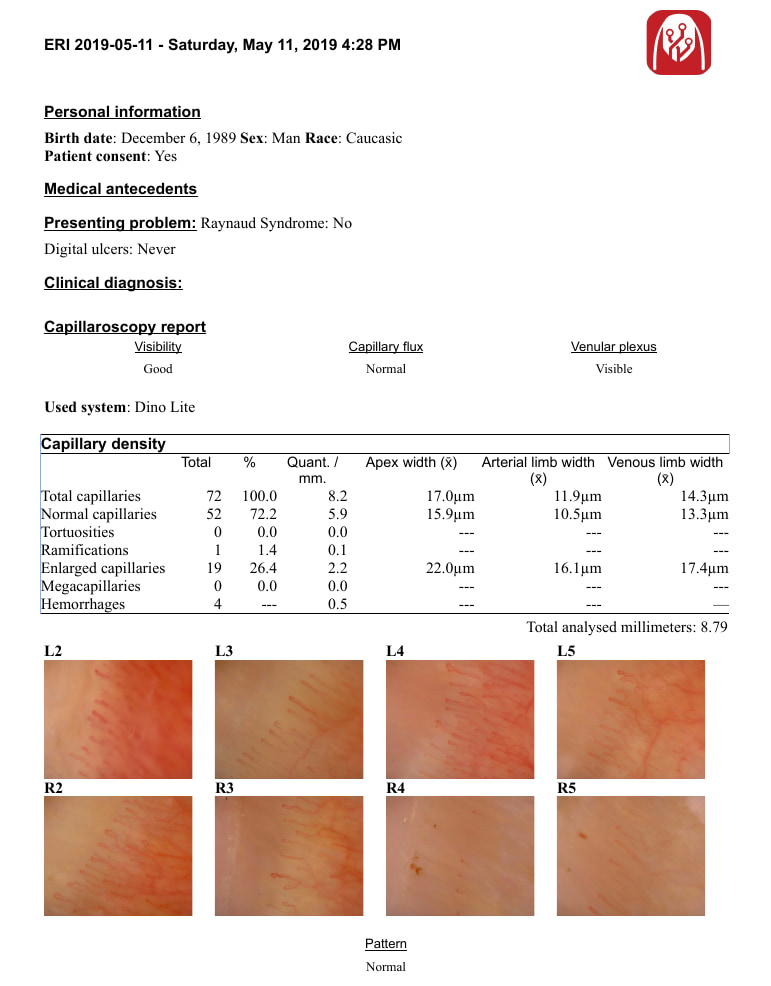
Upload many images at once
It's very easy to upload many images to Capillary.io, just select them and wait for them to be uploaded and processed.
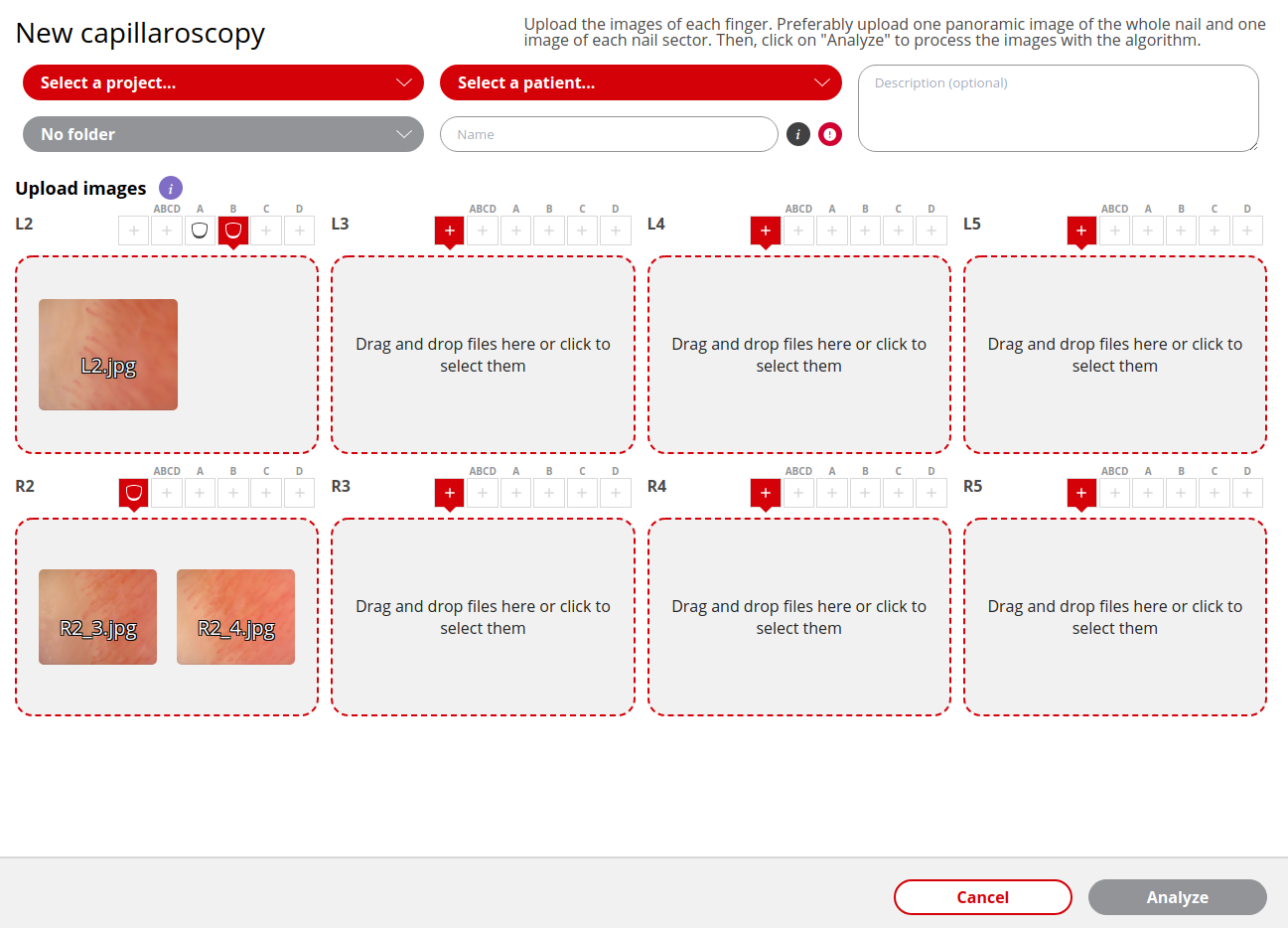
Export capillaroscopies in DICOM ZIP format
Download DICOM ZIP exports from capillaroscopies and patient capillaroscopy series when you need interoperable imaging files for clinical systems or long-term archiving.
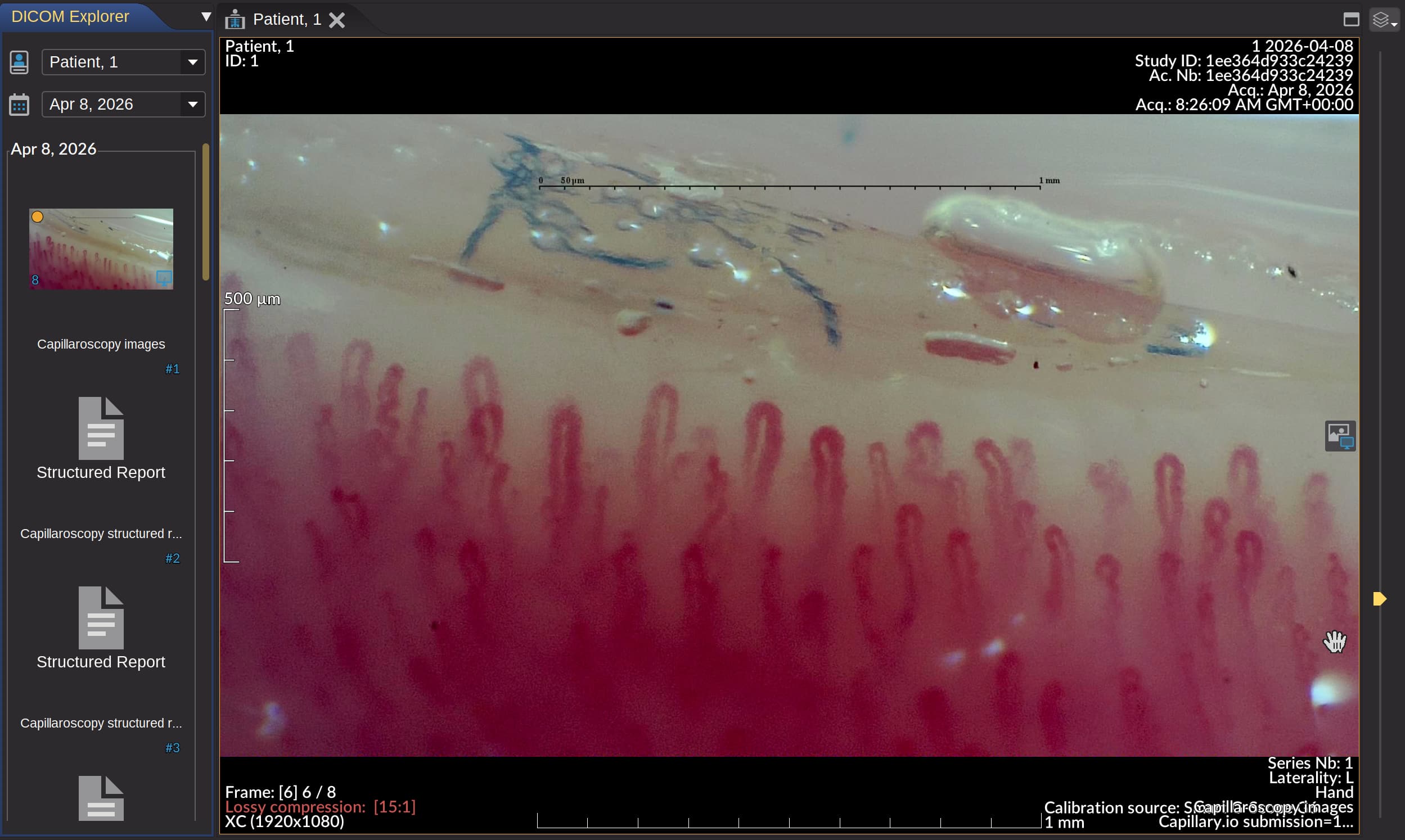
Collaborate with other professionals
Create one or more workspaces to collaborate with other people in your team or organization
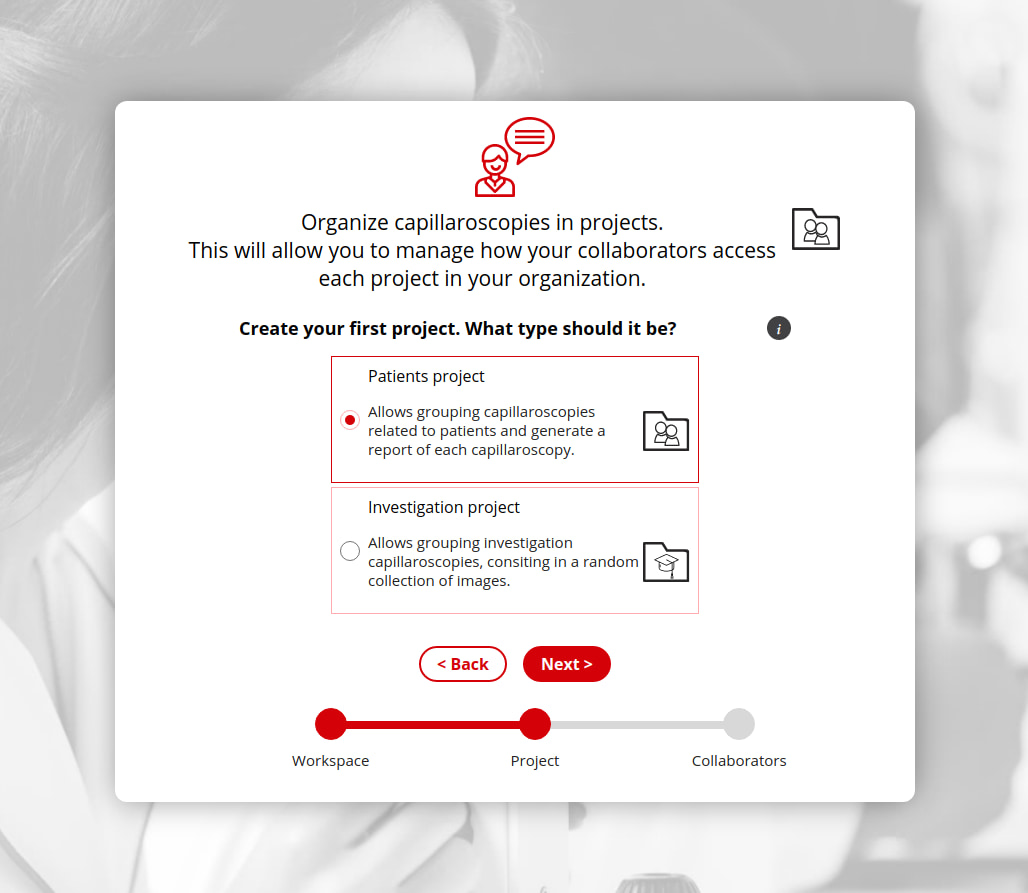
Manage your capillaroscopies in one or more projects
Create as many projects as you want, and share them with other people or just keep them private, your choice.
Search & export
Find the studies you need. Export the data behind them.
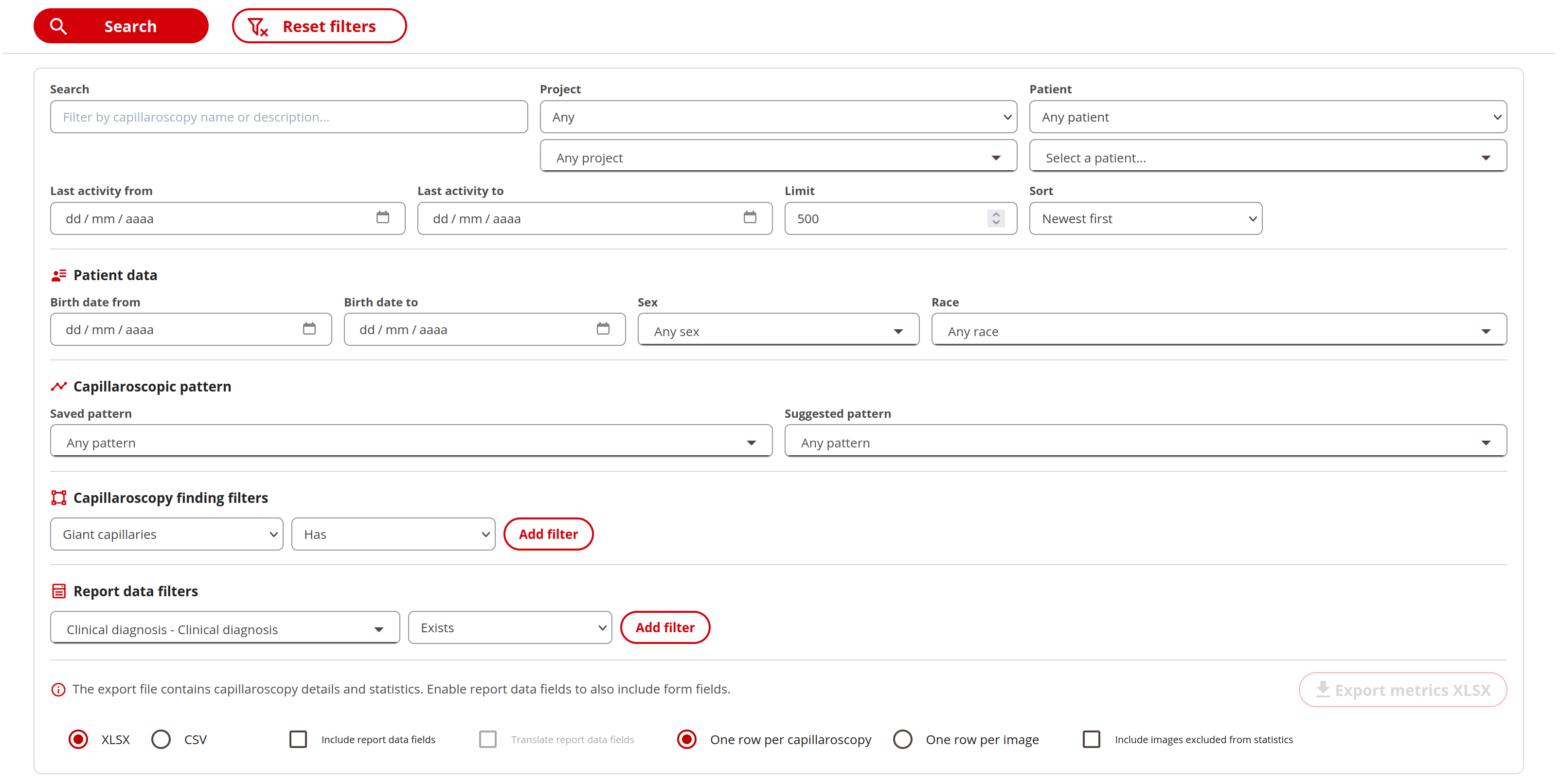
Turn your capillaroscopy collection into a research dataset. Combine filters to find relevant studies, review their quantitative results and export the data for further analysis.
Define your search
- Combine text, projects, patients, demographics and last-activity dates.
- Filter by saved or suggested patterns, and by the presence, absence, count, percentage or density of capillary findings.
- Search custom report fields using text matches, numeric or date ranges, yes/no values and selected options.
Review the results
- Expand each result to inspect capillary counts, percentages, density, apical diameters and limb widths.
- Open the capillaroscopy or its report directly to review the findings in context.
- Your most recent search settings are remembered when you return.
Choose your export
- Download the results as Excel (XLSX) or CSV, with one row per capillaroscopy or per image.
- Include custom report fields alongside the measurements, with optional translation of those fields.
- Use images included in statistics, or choose to include excluded images as well.
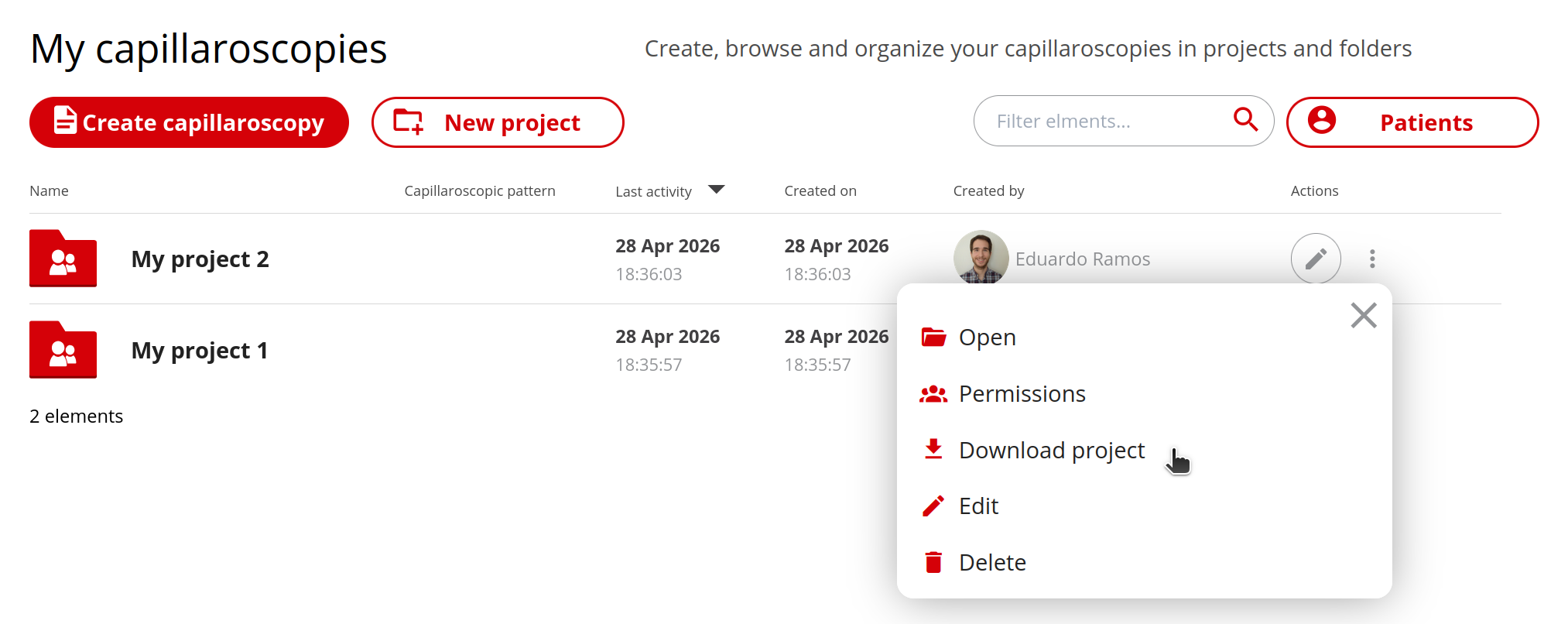
Download whole projects and folders
Export a complete project, folder or patient series as a ZIP file, so your team can keep a full offline archive without downloading every item separately.
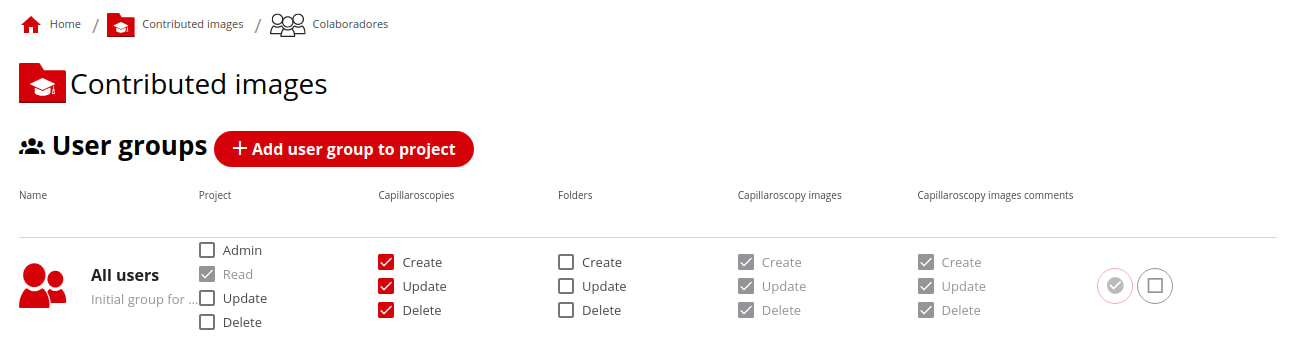
You control what others can do in your projects
You get fine grained control over what everyone of your collaborators can do in your projects.
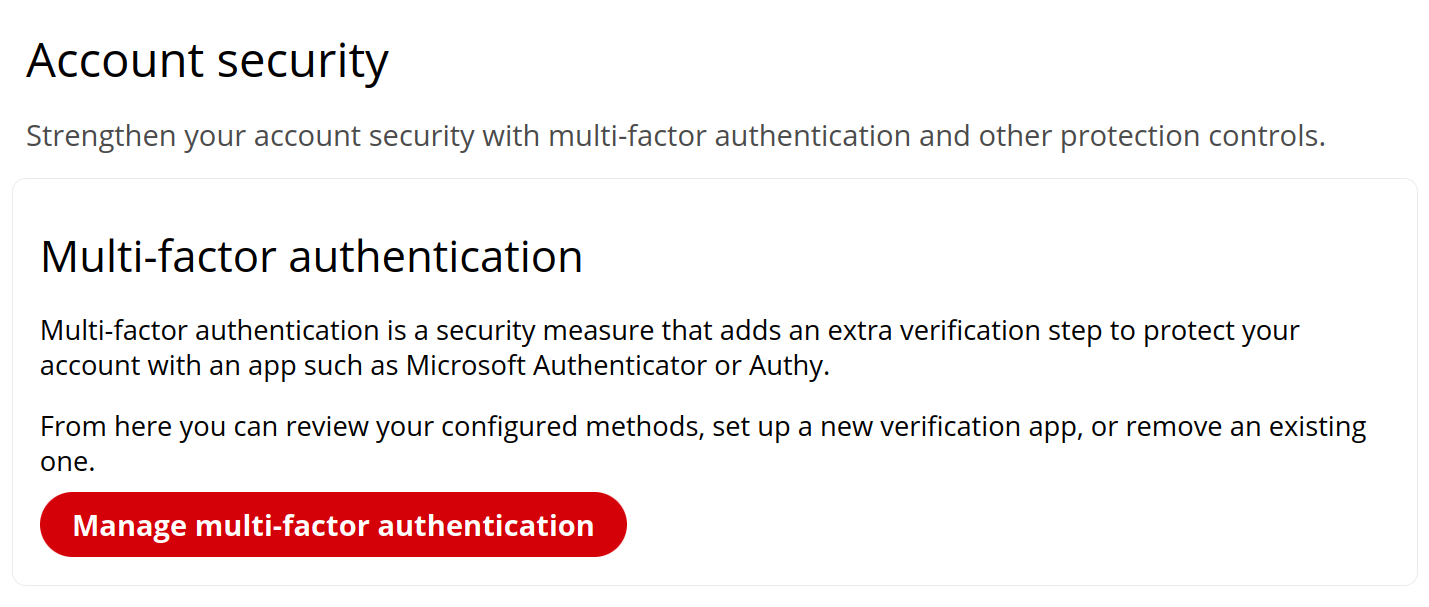
Protect accounts with MFA
Users can manage multi-factor authentication from their profile and use TOTP authenticator apps to add an extra verification step before account access.
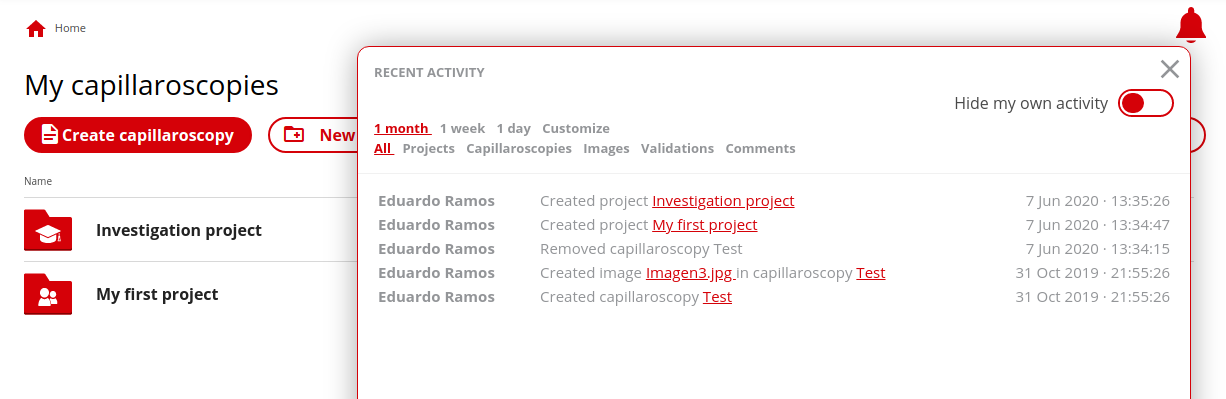
Easily check recent activity in your projects
With Capillary.io it's very easy to check recent activity in your projects and be notified of new changes.
Explore what others do, visually
Visualize changes in capillaries made by others (or yourself) interactively with Capillary.io.